01 / 04
Is vibe coding safe for children?
It depends on the tool. General AI coding tools are built for adults and don't apply family settings. Choose one built for kids, where parents control what gets shared.
Still need a hand?

Last updated:
Vibe coding means describing what you want to build and letting AI write the code. Kids can make real games and apps this way. Whether they learn anything depends on what happens next: testing, reading and fixing the code.
“Vibe coding” means coding by talking to AI rather than typing every line. For kids, it removes the hardest part of starting, the blank screen, and puts their idea first.
Quick answer
Vibe coding for kids means building games, apps and websites by describing them to an AI in plain words. The AI writes the code; the child tests it, finds what's wrong and asks for changes or edits the code. The learning comes from fixing. HeyOtto Coding is built for kids, with parent controls.
Ways to code
They aren't rivals. Many kids use both at different stages. Traditional coding, typing every line yourself, is still how kids learn the fundamentals deeply; vibe coding is often how they get excited enough to want to.
| Compare | Block coding (Scratch) | Vibe coding |
|---|---|---|
| How you start | Drag and snap blocks | Describe your idea in words |
| What you see | Visual blocks | A working project, plus real text code |
| First project | Takes a lesson or two | Minutes |
| What you practice | Logic and sequencing | Describing problems, testing, reading and fixing code |
| Where it gets hard | Big projects get messy | Understanding code you didn't write |
What kids build
Anything they can describe, within reason.
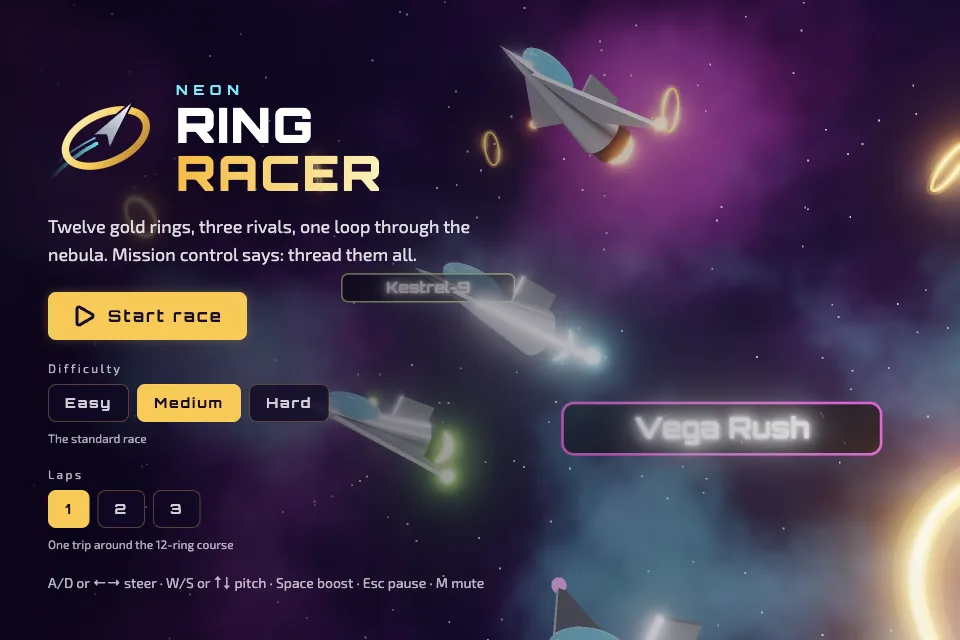
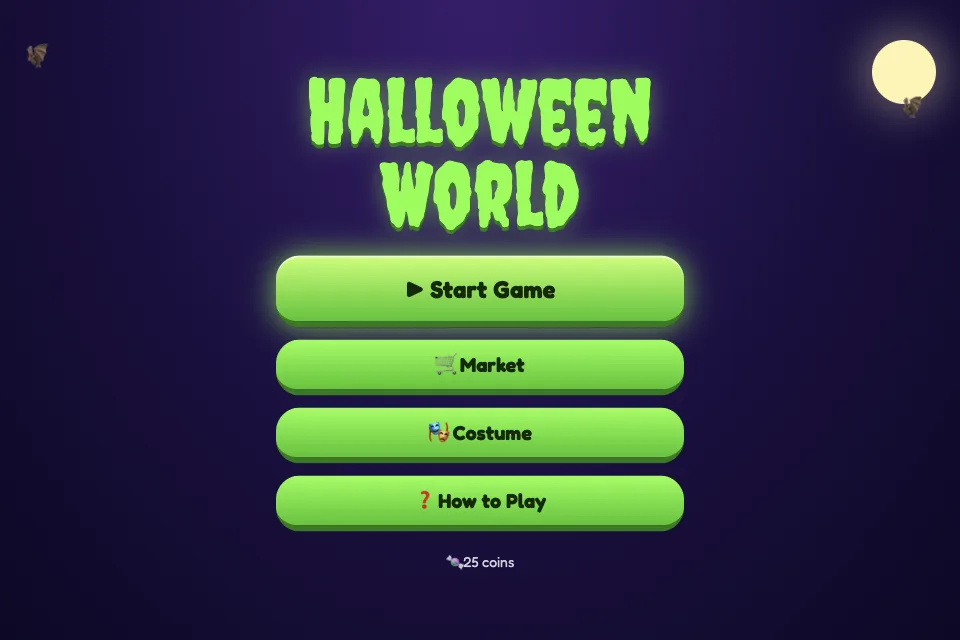
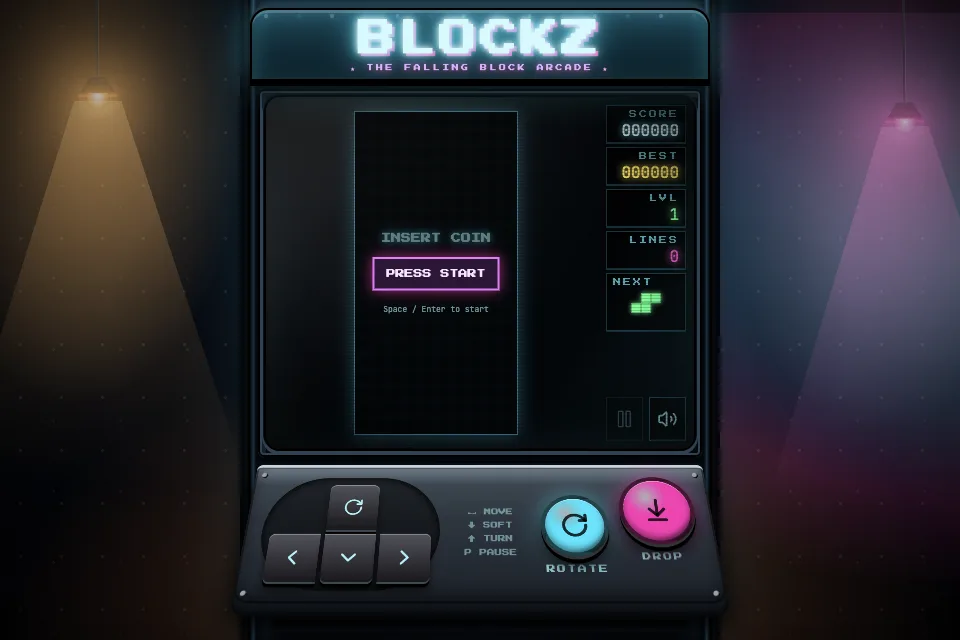
Dodge games, quizzes, choose-your-path stories.
Games
A fan page, a club site, a recipe collection.
Sites
A chore chart, a spelling quiz, a practice timer.
Tools
A planet simulator, a fractions game, a weather tracker.
STEM
Good and bad
It can be great, or it can be copying with extra steps. The difference is what the child does after the AI writes code. Otto is the AI assistant, not a companion.
Kids start with what they care about.
They see their idea working in minutes.
AI can write code faster than kids can read it.
AI code can be buggy, and a general AI tool won't filter what kids build.
Tools
Checked October 22, 2026. Verify each tool's age rule on its own site.
Describe, build, test and edit, with family safety settings applied.
Code access
View and edit
Testing
Live preview
Sharing
Marketplace, reviewed, optional parent approval
Parent controls
Yes
Visual block coding with a large community.
Code access
Visual blocks
Sharing
Scratch community
Professional online coding with deployment.
Code access
Full
Deployment
Yes
Parent controls
None built in
Age rule
13+, with a parent's permission under 18
Builds and deploys web apps from a description.
Age rule
18+ for your own account
Parent controls
None
Get started
Your first session, in six steps. Plan on 30–45 minutes.
“What would happen if you changed this?” Ask it about any line of code.
Learn to code with AISix steps
One screen, one goal. “A button that tells a joke” beats “a game like Minecraft.”
Let your child say what it should do in their own words.
Play it first, then open the code together.
Try to break it. What happens if you click fast? Score below zero?
Describe the bug to the AI, or change a number in the code and see what happens.
Make sure nothing personal is in it, then publish if you want to.
Vibe coding gets kids to a working project fast. The skill they're building is noticing what's wrong and knowing how to fix it.
Natalie Gibson, Founder and CEO
FAQ
It depends on the tool. General AI coding tools are built for adults and don't apply family settings. Choose one built for kids, where parents control what gets shared.
Yes. That's the point of vibe coding. They learn coding along the way by reading and changing what the AI wrote.
Mostly. “Vibe coding” usually means leaning on the AI more and reading code less. For kids, the goal is to move from vibe coding toward understanding.
It can. Debugging, testing and reading code are real programming skills. Kids who only prompt and never open the code learn much less.
01 / 04
It depends on the tool. General AI coding tools are built for adults and don't apply family settings. Choose one built for kids, where parents control what gets shared.
Still need a hand?
HeyOtto Coding is built for kids. They build and read the code; you stay in the loop.