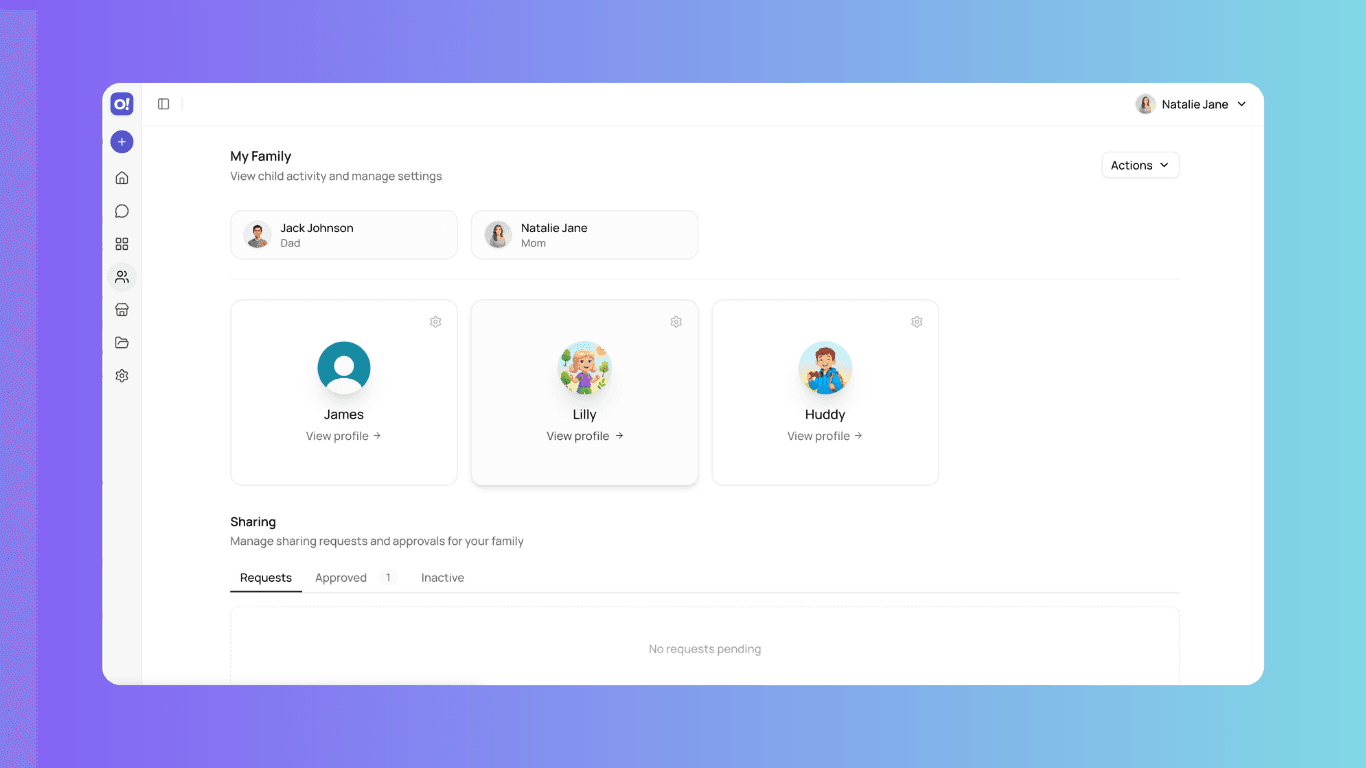
Can HeyOtto have different settings for each child?
Yes. Each child gets their own profile with independent age, topics, tone, and limits — up to six per family account.
How many kids can use one HeyOtto account?
Up to six child profiles per family account.
Because no two kids are the same.
Profiles are the hub of family management in HeyOtto!. Each child has a personalized account with customized settings, activity tracking, and safety monitoring.
Free to start · Parents stay in the loop
Try tonight — tap to copy
Highlights
Why this matters
Multi-Child Family Management
Manage multiple children with individual accounts, personalized settings, and per-child tool controls—all from one dashboard. Set custom usage limits and content restrictions for each child based on age and maturity.
Real-Time Safety & Activity Visibility
See exactly what your child is working on and receive instant alerts for any safety concerns. View full chat history, saved images, files, projects, and artifacts. Get real-time safety alerts with severity levels when concerning content is detected, plus activity reports to track usage patterns and engagement over time.
Age-Appropriate Personalization
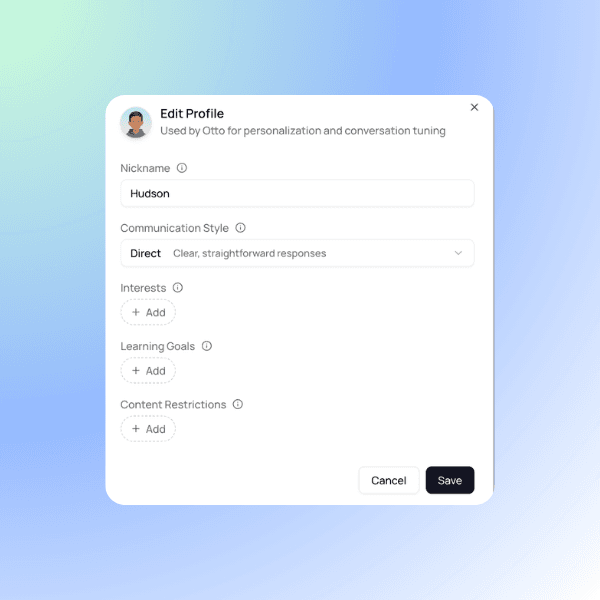
Tailor Otto's responses to match your family's values and your child's developmental stage. Define custom content restrictions based on your beliefs, input interests and learning goals for relevant engagement, and set a preferred nickname and accessibility preferences like speech-to-text and text-to-speech.
Flexible Account Management
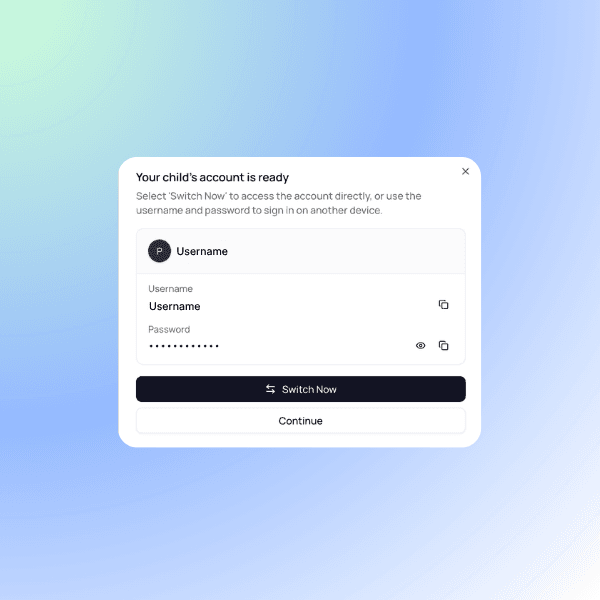
Complete control over access, security, and settings anytime. Reset passwords instantly, temporarily lock or unlock accounts without losing data, and view stored credentials directly from Settings.
How it works
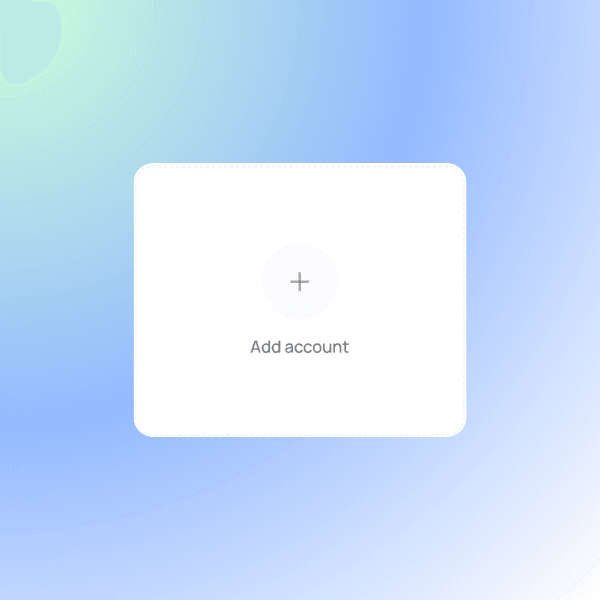
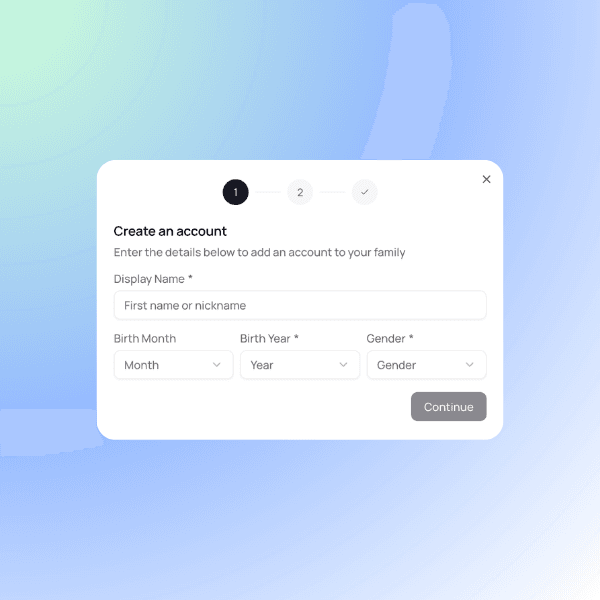
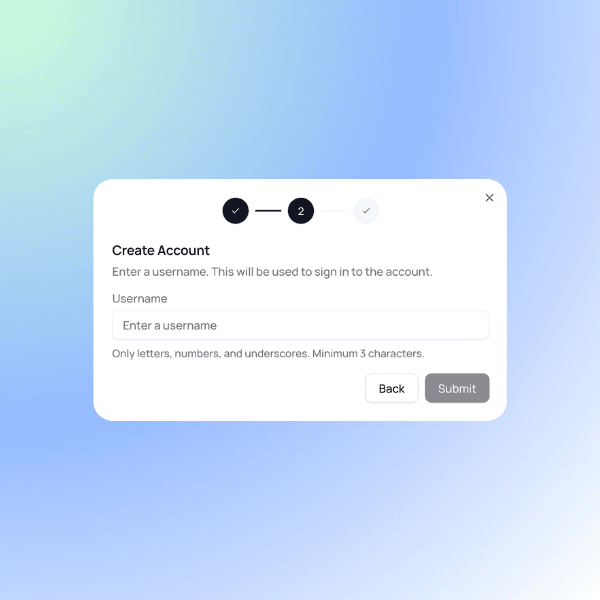
Creating a Child Profile
Copy-paste tonight
Examples families see
Try it
Individual Customized Profiles
Made For Each Kid