
Library: everything your child creates, saved
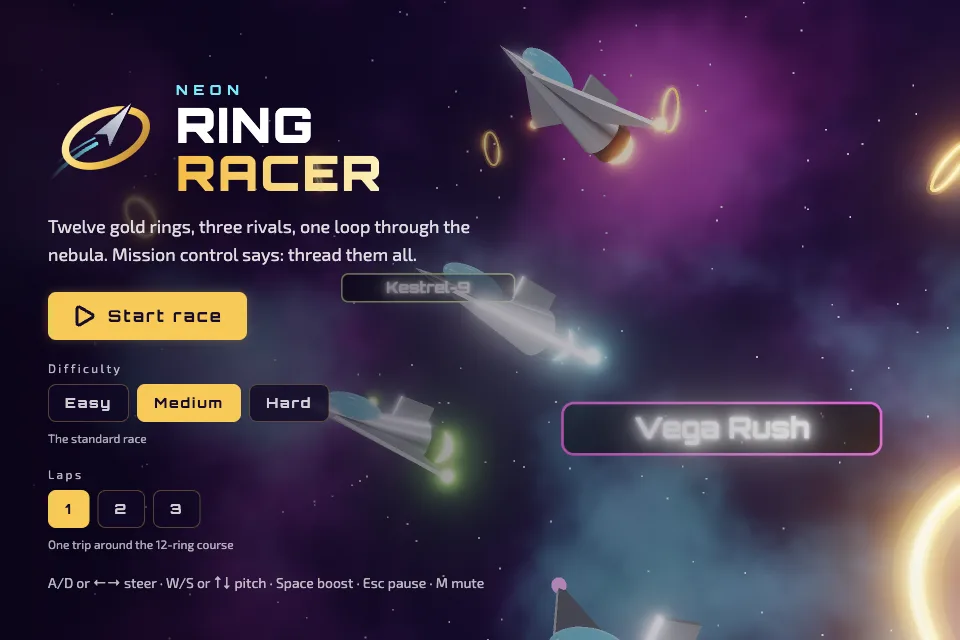
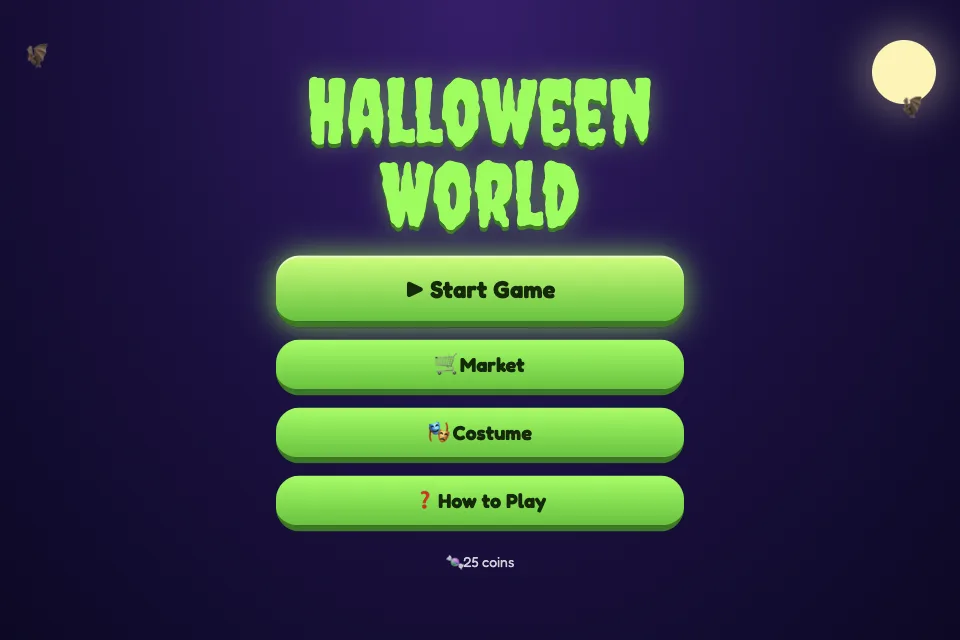
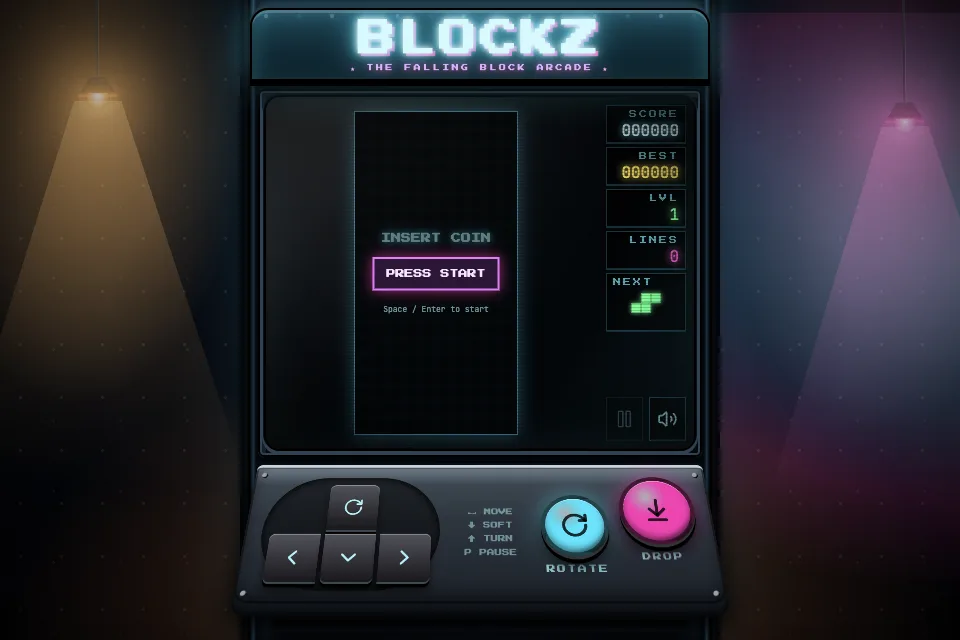
Images, files and other saved work live in Library. Apps and games your child builds live in Projects, and Memories have their own space too. Parents can browse all three for each child.
Free to start · Parents stay in the loop
Quick answer
What is the HeyOtto Library?
Library is where your child's creations are saved, including images and files. Apps and games they build are kept in Projects, and Memories have their own area.
Highlights
What's saved, and where
Library
Images, files and other saved work your child has created or saved.
Projects
Apps and games your child has built.
Memories
Saved memories have their own space.
Parent loop
Browse what each child has made
01
See it all
Browse Library, Projects and Memories for each child.
02
Per child
Each child's creations are kept separately.
03
Talk about it
Use what they made to start a conversation.
04
Pair it with the Parent Dashboard
Conversations, alerts and controls are in the Parent Dashboard, alongside Library.
Images, files and other saved work. Apps and games are saved in Projects.
Yes. Parents can browse Library, Projects and Memories for each child.
In Projects, separate from Library.
Library items stay in the family account for you and your child to browse. Apps and games live in Projects and can be submitted to the Marketplace, where the HeyOtto team reviews every project before it is listed.
Explore
Keep reading
- FeedSee every child's activity in one place.
- Photo uploadShare photos with Otto, parent controlled.
- HeyOtto CodeBuild games, apps and websites for kids and teens.
- Parent DashboardRead conversations, set limits and quiet hours, get alerts.
Everything they make, saved and visible
Library, Projects and Memories, with parents able to browse it all.
No credit card required · Cancel anytime