
AI Basics
Vibe coding
Vibe coding is building software by describing what you want to an AI in plain language and letting the AI write the code, then testing and refining the result.
- Parents
- Educators and school leaders
What parents should know
Vibe coding lets kids and teens build real things without knowing a programming language first. The fun part is speed; the learning happens when they test, debug and ask why something works. A kid-safe coding tool keeps the AI helpful and parents in the loop.
On this page
What is vibe coding?
Vibe coding means making apps, games or websites by telling an AI what you want in everyday words. The AI writes the code; you try it, spot what is wrong and ask for changes. The term was coined in early 2025 and became Collins Dictionary's Word of the Year. For kids, it turns an idea into a working project fast.
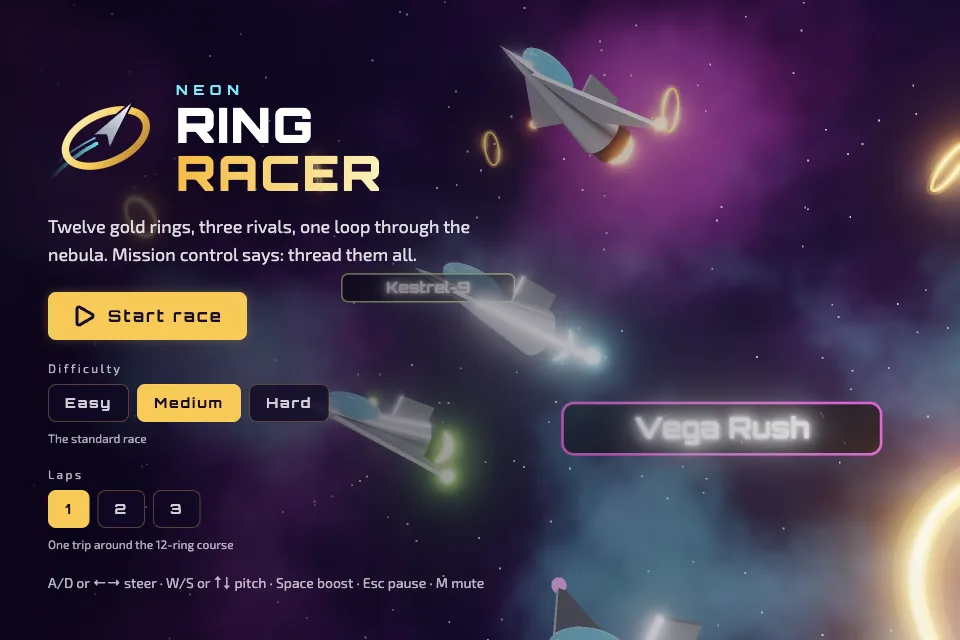
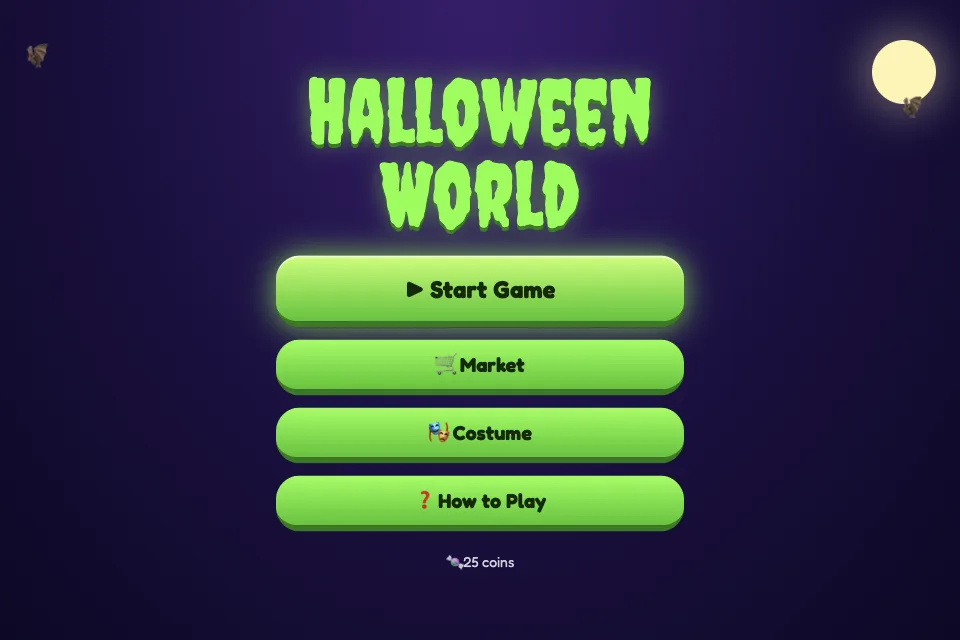
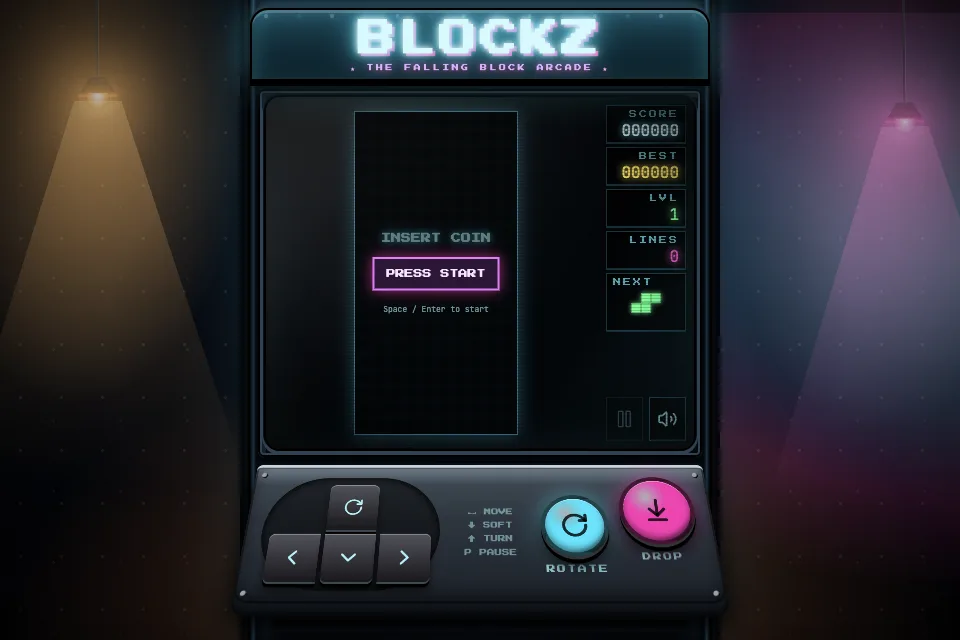
Collins Dictionary defines vibe coding as writing computer programs by using natural language prompts to make a generative AI program output the desired code. AI researcher Andrej Karpathy coined the term in February 2025, and Collins named it Word of the Year for 2025. In practice, a kid writes a prompt such as make a game where a frog jumps over logs, runs what the AI builds and keeps refining it. Our guide to vibe coding for kids walks through how to start.
Why vibe coding matters for kids and teens
Vibe coding lowers the blank-screen barrier that stops many kids from trying to code, and it rewards clear thinking and describing problems. The risk is skipping the learning: if a kid never reads or fixes the code, they may not understand what they built. AI-written code can also contain bugs or unsafe shortcuts. The best approach mixes vibe coding with reading and changing code, which builds real AI literacy and programming skills together.
How it shows up in practice
- A kid describes a quiz game about planets, the AI builds it, and the kid asks for a score counter and fixes a question that shows the wrong answer.
- A teen vibe codes a simple website for a school club, then edits the colors and text directly in the code.
How HeyOtto helps
HeyOtto is AI for kids and teens, and HeyOtto Coding lets kids build with AI with parent controls in place. Otto is the AI assistant: it helps kids describe, build and fix projects and explains what the code does. See learn to code with AI and vibe coding for kids.
- HeyOtto Coding helps kids build games and apps by describing them.
- The parent dashboard shows conversation history for each child.
- Topic Controls let parents set each topic to Off, Redirect or To parents.
For families
Try HeyOttoFAQs
Is vibe coding good for kids?
It can be, especially as a way in. Kids get a working project quickly, which builds motivation. The learning comes from testing, finding problems and asking for or making fixes. Encourage kids to read the code, change small parts themselves and explain how it works.
Is vibe coding real coding?
It produces real code, but the AI does most of the typing. Professional developers use AI-assisted coding too, while still reviewing and testing everything. For kids and teens, vibe coding works best alongside traditional skills like reading code, debugging and understanding logic.
What can kids build with vibe coding?
Simple games, quizzes, animations, personal websites and small tools like a homework timer are good first projects. Starting small helps kids see each change the AI makes and learn from it. Our vibe coding for kids guide has more project ideas.
Sources
- Collins English Dictionary: vibe coding
- BBC News: 'Vibe coding' named word of the year by Collins Dictionary
Last reviewed October 23, 2026. This entry is reviewed twice a year.